Ogma 6.0: An annotations revamp, faster loading speed for large graphs, and more
Ogma 6.0 is here and there are a lot of improvements to get excited about. A fully rewritten annotations system and improvements like the removal of text overlap make visualizations easier to understand and nicer to look at. We’ve also introduced new arrow styles, an option for displaying inactive nodes, and more. And, you’ll see performance improvements in this latest Ogma release: large graph loading speed has gotten even faster.
Read on to see all that’s new and improved in Ogma 6.0.
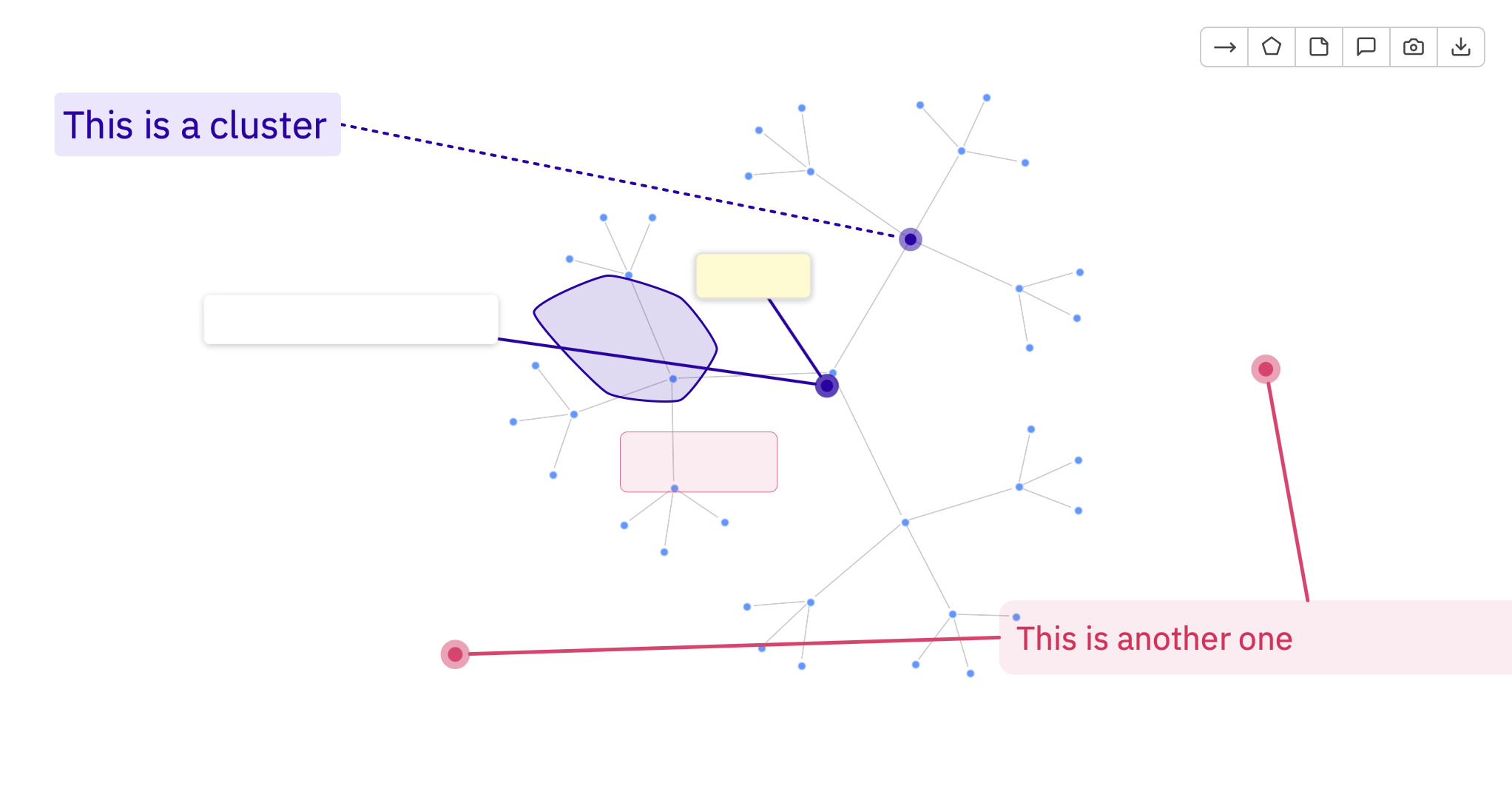
The annotation system has been completely rewritten and is moving from a standalone plugin toward an integral part of the Ogma API. The new version adds comments, polygons, and the ability to attach comments to any element in the graph: nodes, edges, or other annotations. History management (undo/redo) is now fully supported.
Annotation behaviors are managed by the plugin: enabling them from your UI is all that is required to get started.
This unlocks a class of collaborative workflows directly in the graph. Analysts can mark up findings, attach comments to specific nodes or regions, build up a shared layer of insight on top of the visualization, and export or store it alongside the graph data. For investigative, research, or reporting use cases, this is a significant capability addition.
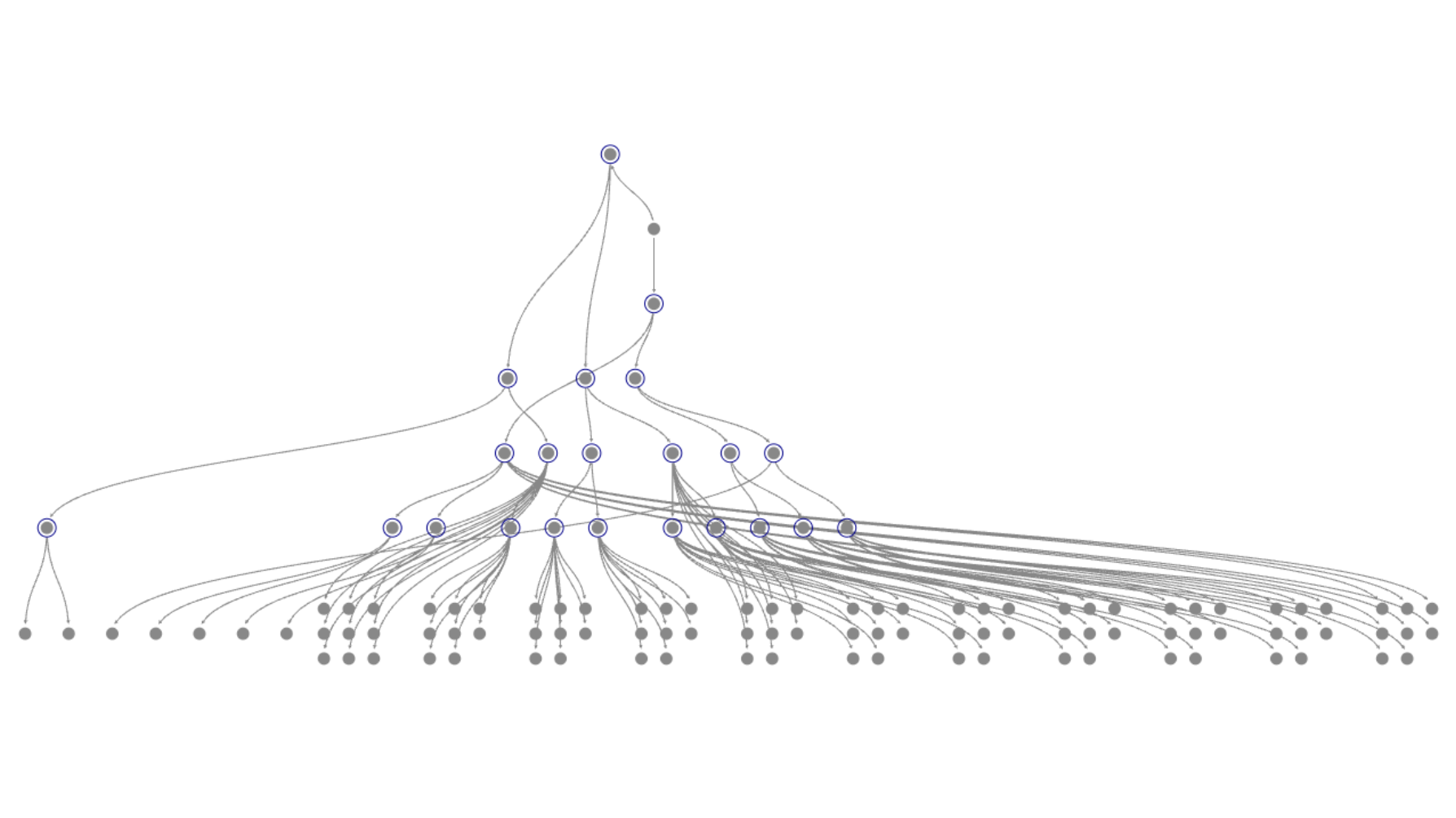
The hierarchical layout has a new compaction mode. This new mode groups sibling nodes into compact blocks across multiple layers, keeping the branch readable regardless of depth.
Previously, a long branch would render as a straight vertical line of nodes—potentially 100 or more—making it impossible to assess at a glance, and causing edges connecting back to the branch root to become near-horizontal and hairline thin.
New options include: compactSiblings, compactSiblingsFunction, packingType, siblingsDistance.
This improvement will help any use cases with deep hierarchical data where branch length is unpredictable, like org structures, dependency trees, or network typologies.
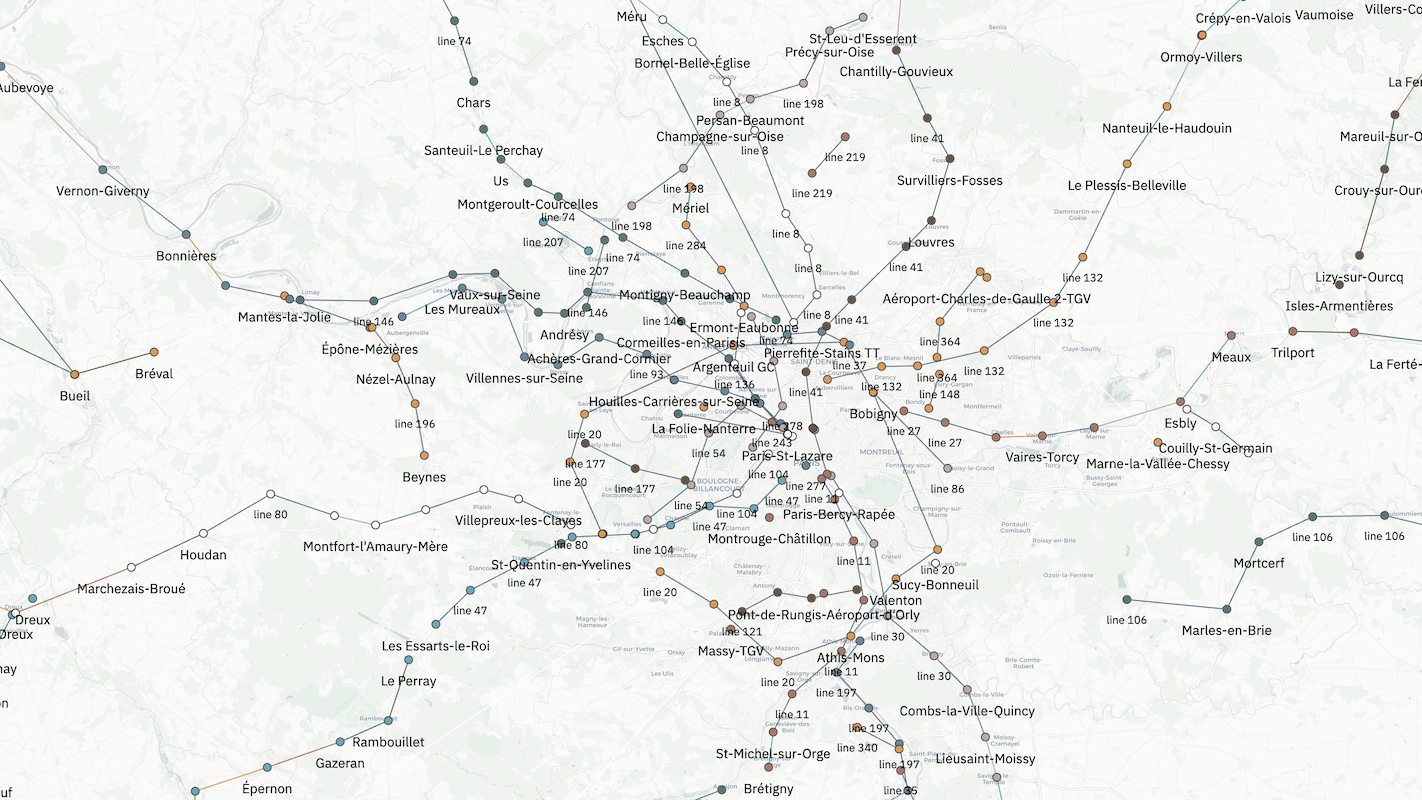
Geo clustering performance has been significantly improved, driven by client requests to handle larger datasets.
The new implementation computes clusters once, then shows and hides the cached topology on zoom rather than recomputing. It also reuses clusters that do not merge across zoom levels, which preserves user selections during navigation. The result brings zoom clustering down to approximately 2 seconds (versus a previous 13 seconds), with no API changes required.
This is an important improvement for applications where users navigate large datasets on a map, including geospatial analysis, logistics, and asset tracking.
A long-standing design issue in the spatial index has been fixed, resulting in substantially faster loading—up to 3 seconds faster—for large graphs (thousands to tens of thousands of nodes).
The bug occurred in the following sequence: on initial load, when a graph is centered, the spatial index is built for hit detection—but at that point the layout has not yet been calculated, leaving the index in a degenerate state. When the label manager then queries the spatial index to check which nodes in the viewport have labels, the degenerate index makes that query slower than a brute-force scan of all nodes. This caused CPU spikes, stalled frames, and visible rendering issues on load. It also produced bugs in selection and hit detection.
The fix addresses the general case. Clients who were experiencing frame drops, slow initial renders, or inconsistent selection behavior on large graphs will see a direct improvement.
The text overlap resolution algorithm has been rewritten for speed and predictability. In the previous implementation, labels would flicker across different parts of the screen during zoom and node selection, creating visual distraction. The new algorithm resolves overlaps consistently and without flickering, improving readability and reducing visual noise for end users. This reflects a broader focus on user comfort and focus during graph exploration.
Ogma now provides a simple way to keep the edges between nodes in different groups visible, allowing you to group nodes without losing track of the links between nodes. This offers more flexibility in the way you visualize node groups. Simply pass showMetaEdges: false to your NodeGrouping settings.
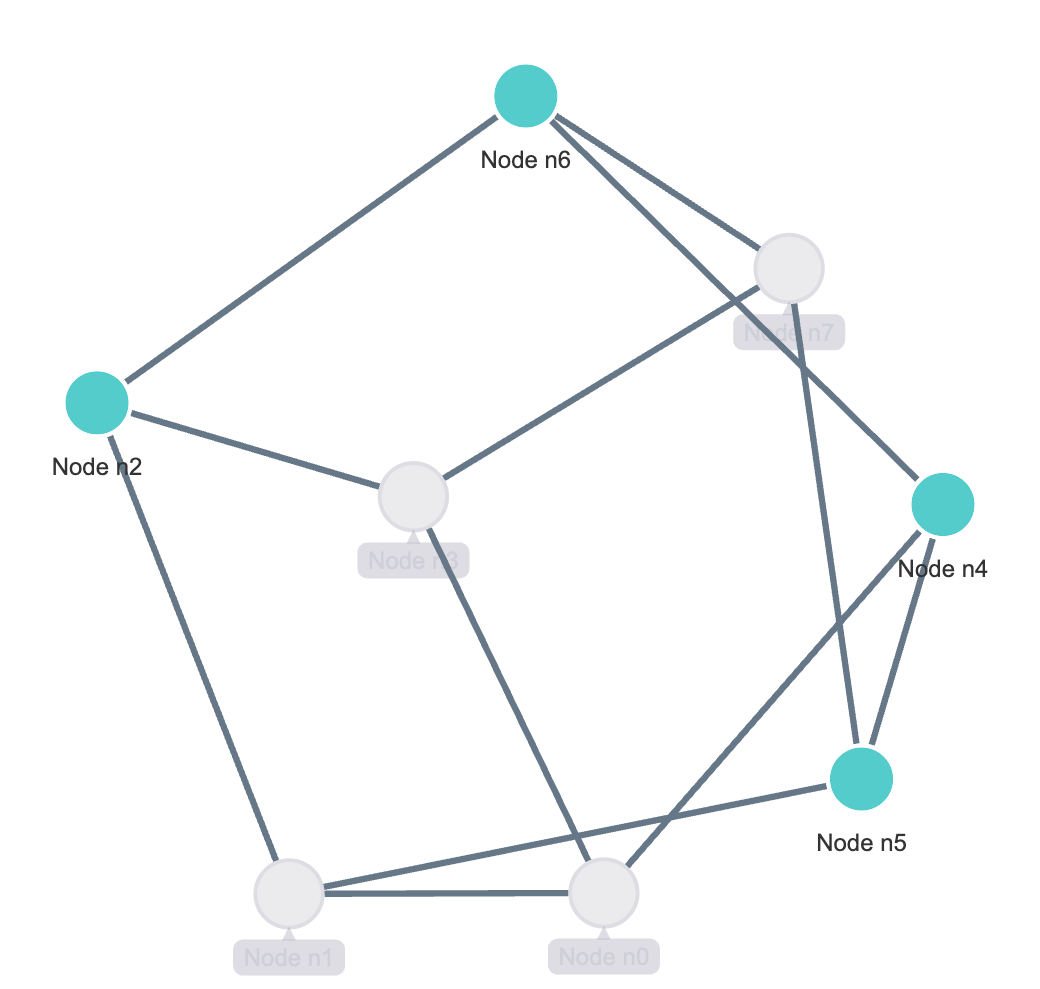
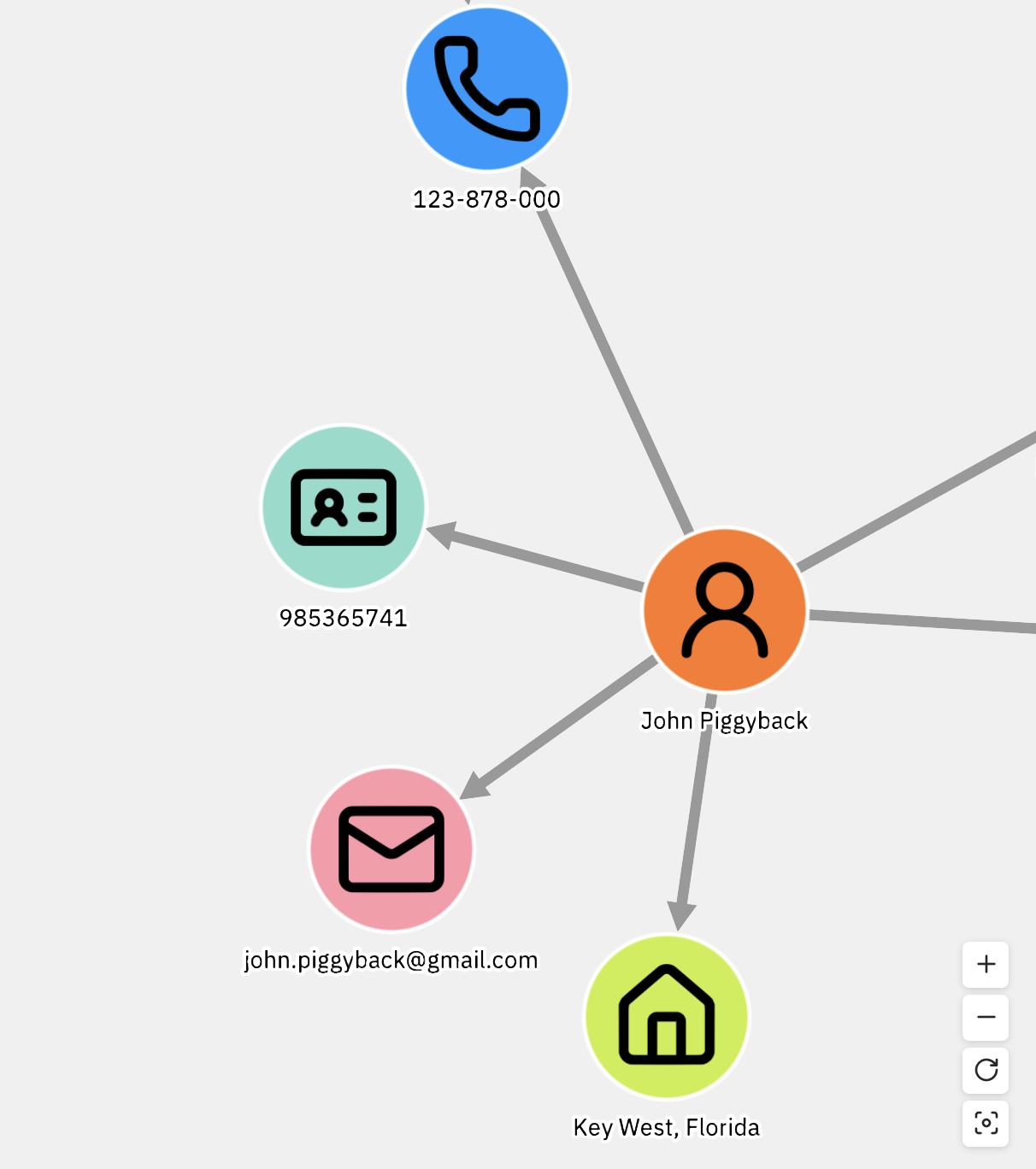
Ogma now has a native inactive state for nodes and edges, bridging the gap between the mental model of UI element states—active, hovered, selected, disabled—and the graph API. The inactive state can be styled and configured through themes and styles like any other state.
This was identified internally after observing that virtually every client was implementing their own version of this pattern. Making it a first-class part of the API removes a recurring piece of custom work from every integration.
Node labels now support a stroke (outline) style option, inspired by map design conventions.
It addresses two problems in crowded visualizations: readability over complex backgrounds, and information hierarchy. Previously, rectangular label blocks and entity shapes were visually competing at the same level, making them hard for the eye to resolve. The stroke option establishes a clear hierarchy—entities read above labels—reducing visual confusion in dense graphs.
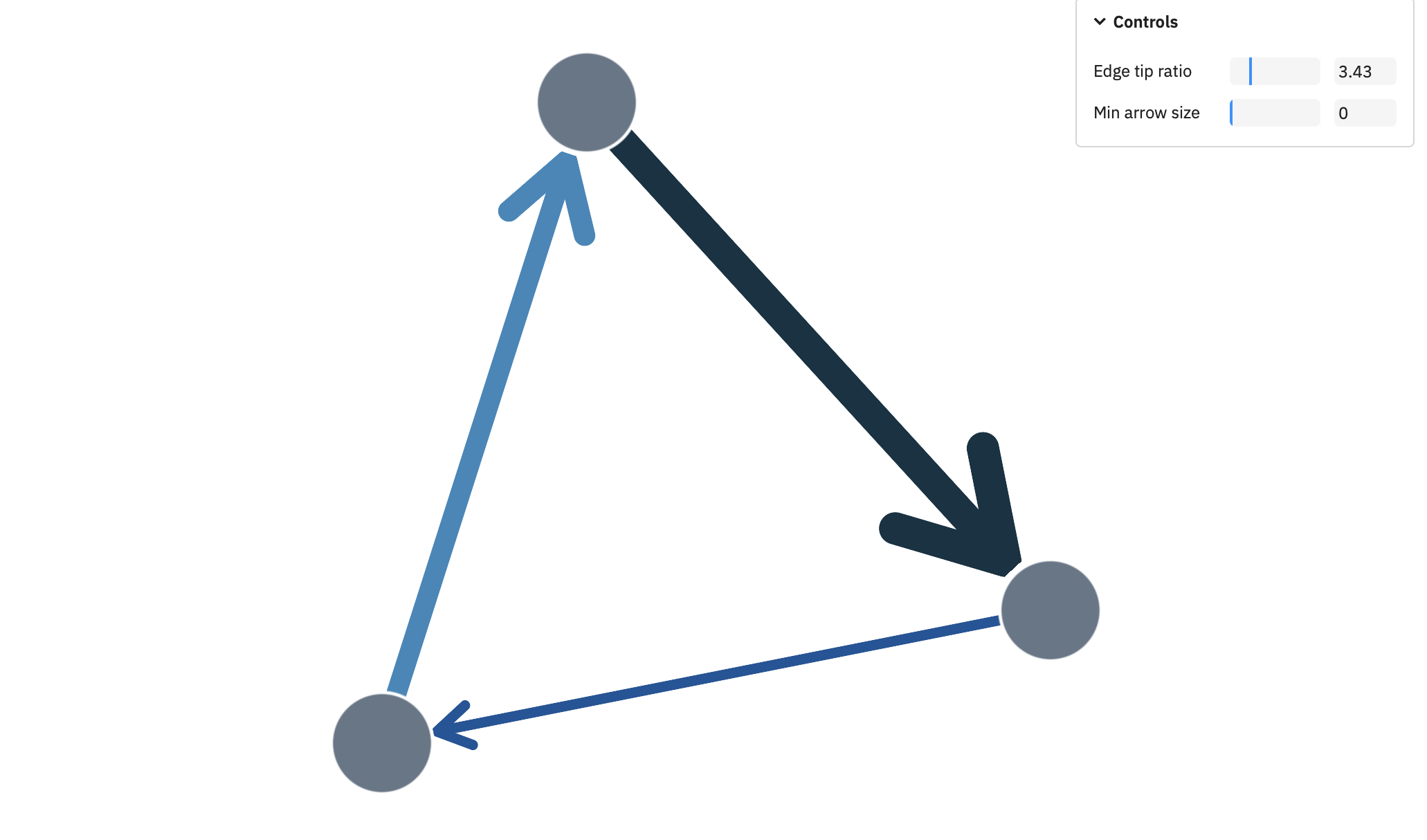
Ogma 6.0 adds open arrow styles as a new edge styling option. It expands what is possible for edge directionality visualizations.
Ogma 6.0 removes a number of APIs that have been deprecated since 3.x. This is a deliberate cleanup. Carrying stale APIs forward has a cost, and 6.0 is the right moment to close that debt.
Events API — the old method-based event subscriptions (ogma.events.onClick, onHover, onNodesAdded, etc.) have been removed. The replacement is the standard ogma.on('eventname', fn) pattern, which has been available for several versions. A full mapping of old to new event names is in the migration guide.
Parse API — ogma.parse.* was an instance method; it is now a static method on the Ogma class (Ogma.parse.gexf(...)). This allows graph data to be parsed before an Ogma instance is created, which is both cleaner and more performant.
Transformation animations — individual transformations no longer accept duration and easing parameters. Animation settings are now controlled globally via ogma.transformations.setAnimation(), which reflects how animations actually work internally since Ogma 5: all transformations animate together to the final state rather than sequentially.
A comprehensive migration guide covering all changes with before/after code examples is available at doc.linkurious.com/ogma/latest/migration-guides.
Last but not least, one of the most significant achievements of the period leading up to 6.0 is the Ogma Design Kit. It is not part of this release but warrants a mention: it represents a major step in making Ogma accessible to design and product teams, not just developers. Work on it continues, with the goal of enabling designers and product people to explore and discover Ogma capabilities directly through their own tools. More on this in a dedicated update.
On the quality side: Ogma now ships with over 200 examples, all of which are regression-tested with screenshot tests as of this release. Visual regressions are caught before they reach a release, which means the examples remain a reliable reference for what the library can do.
A spotlight on graph technology directly in your inbox.